The Short Answer
- "Scanning" a Pokémon card can mean three jobs: identifying it, pricing it, or grading its condition. No single App Store scanner does all three well.
- TCGplayer's free app (iOS 17+) identifies Pokémon cards and shows TCGplayer market price; CollX and Ludex also price Pokémon.
- iPhone's built-in Visual Look Up and Live Text can name a card and read its set number for free — useful when an app misses an alt art or promo.
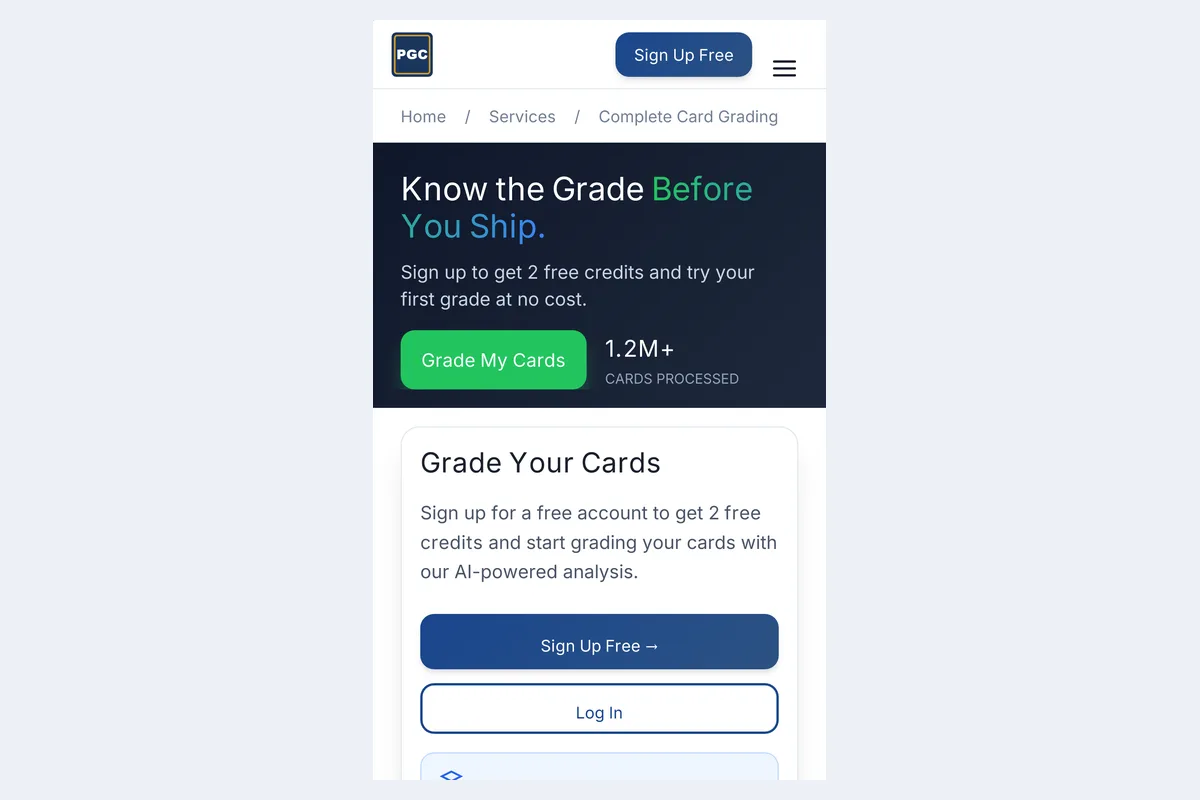
- To know if a pull could be a PSA 10 or CGC Pristine 10, you need a condition grader: PreGradeCards runs in Safari with no download and 2 free credits.
- Scanners often confuse reprints with the same art (Celebrations vs Base Set, Evolutions vs Base) — always confirm the set number and symbol.
Quick answer: the best Pokémon card scanner for iPhone
The best Pokémon card scanner for iPhone depends on what you need: the free TCGplayer, CollX and Ludex apps identify cards and show prices; the built-in Visual Look Up names cards for free; and PreGradeCards grades the card's condition in Safari — no download, 2 free credits — so you know if a pull is worth sending to PSA, CGC or TAG.
Autocomplete tells the story: "pokemon card scanner iphone", "pokemon card scanner ios", "free pokemon card scanner ios" and "pokemon card reader for iphone" are all common searches. Most people searching want to know two things fast — what is this card and what is it worth — and then, for the hits, would it grade well. This guide covers all three on an iPhone.
Identify, price, grade: the three jobs of a "scanner"
- Identify: match the artwork to a database and return name, set and number. Every scanner app does this.
- Price: look up recent sales or the market price for the exact printing, finish (holo, reverse holo, non-holo) and language.
- Grade: measure your copy — centering, corners, edges, surface — and estimate the grade it would get.
Identity and price come from databases. Grade comes from the physical card, which is why a scanner can tell you a Moonbreon is worth four figures in a PSA 10 but can't tell you whether yours is a 10 or a 7. For Pokémon, that gap is enormous: modern alt arts often sell for several times more in a PSA 10 than in a 9.
Pokémon scanner options on iPhone compared
| Tool | Identifies | Prices | Grades condition | Cost |
|---|---|---|---|---|
| TCGplayer app | Yes (all TCGplayer games) | TCGplayer market price | No | Free (iOS 17+) |
| CollX | Yes | Average market value | No | Free; Pro $9.99/mo |
| Ludex | Yes | Sold-price based value | No | Free 200 scans/mo; from $4.99/mo |
| Visual Look Up (Photos) | Often names the Pokémon/card | No | No | Free, built in |
| PreGradeCards | Yes | Sold + active comps | Yes — PSA, BGS, CGC, TAG estimates with sub-grades | 2 free credits; packs from $9.99 |
Prices and requirements checked against official pages and help centres in October 2026.
Free tools already on your iPhone
Visual Look Up
Take a photo of the card, open it in Photos and look for the small sparkle icon on the info button. Visual Look Up can often recognise the Pokémon or the card and link to web results. It is free and needs no account — a good fallback when a scanner app can't place a promo or Japanese card.
Live Text
Long-press the set number in the bottom corner of a card photo to copy it. Pasting "Charizard 4/102" or "SV 151 199/165" into a search is the fastest way to confirm a printing when an app shows several look-alike results.
Magnifier
The Magnifier app (or Control Center shortcut) is an excellent free loupe: use the flashlight off and zoom in on corners and the holo surface to spot whitening and scratches before you even think about grading.
For more on built-in phone tools, see how to identify cards with Google Lens and iPhone Visual Look Up.
Using the TCGplayer scanner on iPhone
The TCGplayer app supports iOS 17 and later and scans cards from every game TCGplayer lists, one card at a time. TCGplayer's own tips are worth following: scan on a plain background that contrasts with the border, keep the whole card in frame, scan at a slight angle or use the flash toggle to cut glare, and set foil type, condition and language for the exact price.
TCGplayer is also clear that the app identifies cards mainly by artwork, so when the same art was printed in several sets it may guess the wrong set. For Pokémon that means checking reprints such as Celebrations Classic Collection versus the original, or Evolutions versus Base Set, every time. If the scanner stops recognising cards entirely, our TCGplayer scanner troubleshooting guide walks through the fixes.
Pre-grading your pulls: is it a PSA 10 candidate?
Once you know a card is valuable, the next question is condition. In Safari, open PreGradeCards, sign in (2 free credits for new accounts) and photograph the front and back. You get predicted grades on the PSA, BGS, CGC and TAG scales, centering ratios, and corner, edge and surface sub-grades with notes like "whitening on back top-left corner" or "print line across holo".
Pokémon-specific things the grader looks for:
- Centering — modern Pokémon cards are frequently off-centre; PSA's Gem Mint 10 standard is roughly 55/45–60/40 on the front and 75/25 on the back.
- Back-edge whitening — the blue Pokémon back shows wear quickly, often before the front does.
- Holo and textured surfaces — print lines, scratches and indentations on alt arts and full arts.
- Factory print defects — silvering on edges, ink dots and roller marks common in some modern sets.
Check our Pokémon PSA 10 checklist and is my Pokémon card a PSA 10? for a step-by-step check.
Common Pokémon scanner mistakes (and how to catch them)
- Wrong set for reprinted art. Confirm the set symbol and number in Live Text.
- Holo vs reverse holo vs non-holo. The price can differ several times over; set the finish manually.
- Japanese and other languages. Some scanners default to English prices; switch the language.
- 1st Edition and Shadowless vintage cards often scan as Unlimited — check the stamp and the shadow on the art box yourself.
- Graded slabs. Scanning a slab prices the raw card unless the app reads the label; verify slabs with PSA cert lookup.
- Fakes. A scanner identifies artwork, so a good counterfeit scans as the real card. Use our Pokémon card checker guide.
Best iPhone settings for scanning and grading Pokémon cards
- Macro Control on (iPhone 13 Pro and newer Pro models; many newer standard models also support macro).
- Flash off for grading photos; TCGplayer's flash toggle is fine for quick ID scans.
- Soft indirect light at about 45°, plain dark background for grading, plain light background for ID scans.
- Phone parallel to the card with Grid on.
- Card out of the top loader for the grading photo.
Full detail: how to photograph cards for grading.
Raw value vs graded value: what scanners can't tell you
Scanner apps usually show one number — often the raw near-mint market price. For grading decisions you need two more: what the card sells for in a 9 and in a 10, and how likely your copy is to hit each. Pokémon's graded market is unusually top-heavy. Modern chase cards with tight print runs and textured or full-art surfaces often show a large jump from PSA 9 to PSA 10 because gem copies are scarce in the population report.
That is why the order matters: scan to find the valuable cards, then grade-check only those. Spending a credit on a bulk rare wastes money; skipping the check on a $300 alt art risks paying fees for a card that comes back a 7 because of a print line you missed. Our pop report tool shows how many 10s exist for a card, which tells you how much a gem copy is likely to be worth.
Scanning vintage Pokémon on iPhone (Base Set, Jungle, Fossil)
Vintage cards create extra traps for scanners:
- 1st Edition vs Shadowless vs Unlimited Base Set cards share artwork. The 1st Edition stamp and the drop shadow on the art box decide value, and scanners frequently miss both — check them by eye.
- Wizards-era holos often have scratches on the holo foil that only appear at an angle. Photograph a second shot tilted under side light so the grader sees them.
- Back whitening and edge wear are the norm on 25-year-old cards; a predicted PSA 7–8 can still be very valuable for key cards like Charizard, so vintage decisions depend more on value than on a 10.
- Reprints such as Celebrations Classic Collection and Evolutions reuse Base Set art with different set marks — confirm before pricing.
For a full vintage approach, see how to pre-grade vintage cards with AI.
Privacy and storage: app vs web on iPhone
App Store scanners typically keep your collection in their cloud and may ask for contacts, notifications or location. A web grader in Safari only needs camera access for the page you are on, stores your grading history in your account, and takes no permanent storage on the phone. If you add it to your Home Screen, you can remove it like any icon. Whichever route you choose, read the app's privacy label in the App Store before installing.
Scanning Pokémon cards with kids on an iPhone
Many iPhone Pokémon scans happen at the kitchen table with a child's binder. A few habits keep it fun and protect the valuable cards: scan in a sleeve first to sort, only take the shortlist out of sleeves for grading photos, and handle by the edges. A web grader in Safari also avoids installing extra apps on a child's device, and Screen Time can limit Safari to approved sites if needed.
Opening-day workflow for a booster box on iPhone
- Open packs on a clean mat; sleeve hits immediately.
- Scan every hit with TCGplayer or CollX to sort by value.
- For cards worth roughly three times the grading fee or more, photograph for condition.
- Pre-grade the shortlist; keep predicted 9.5–10s for submission.
- Choose PSA for broad resale, CGC or TAG for TCG-focused buyers — see should I grade my Pokémon cards?
- Estimate fees with the PSA cost calculator before you ship.
Frequently Asked Questions
What is the best free Pokémon card scanner for iPhone?
For identifying and pricing, the free TCGplayer app is a strong choice (iOS 17+). CollX and Ludex are also free to scan. For grading condition, PreGradeCards runs in Safari with 2 free credits.
Can my iPhone scan Pokémon cards without an app?
Yes. Visual Look Up in the Photos app can often name the card, and Live Text reads the set number. Neither gives prices or grades.
Can a scanner tell me if my Pokémon card is a PSA 10?
No. Scanners identify and price cards. To estimate a PSA 10, use an AI condition grader that measures centering, corners, edges and surface.
Why does my scanner show the wrong set?
Many Pokémon cards share artwork across sets. Scanners identify mainly by art, so confirm the set symbol and number manually.
Does the TCGplayer app work on older iPhones?
TCGplayer lists iOS 17 or later as the minimum. Older iPhones can still use web-based tools in Safari.
Can I scan Japanese Pokémon cards on iPhone?
Most scanners recognise major Japanese sets but may default to English pricing; switch the language. PreGradeCards grades Japanese cards the same way as English ones.
Sources & Further Reading
- TCGplayer App FAQ
- TCGplayer: Tips for Accurate Scanning
- Apple: Visual Look Up on iPhone
- PSA Grading Standards
- CollX Pro pricing
Emily Rodriguez analyzes grading cost, population, and pricing data across PSA, BGS, SGC, CGC, and TAG. She built the PreGradeCards ROI calculator and submission planner, and her market reports on grading backlog, turnaround times, and slab premiums are cited by collectors and dealers worldwide.
Create a free account and get 2 free credits — enough for 2 complete AI gradings with market pricing. No credit card required.
Get Your Free Credits →