The Short Answer
- PSA's Version 8 update (September 23, 2026) rebuilt the app around a collection tracker: raw cards now live beside slabs, portfolio value is charted over time, and folders can be shared with a public link.
- The current build is 8.2.0 (October 28–29, 2026). Release notes for 8.0.7, 8.1.0 and 8.2.0 repeat the same Version 8 summary, so the point releases were fixes rather than new features.
- The app is free and rated 4.8 stars on the App Store (63K ratings) and 4.7 on Google Play (11K), with roughly 5,000+ downloads a day (AppInsider estimates, November 9, 2026).
- Collection accepts ungraded cards plus slabs from PSA, SGC, BGS, BVC, CSG and CGC, per PSA's FAQ.
- It still does not predict a raw card's grade — the exact question that decides whether a submission is worth the fee. The raw value estimate is not a grade.
- PSA reopened Value on October 29 at $39.99 (90–100 business days); Standard is $59.99 and Priority $79.99. The backlog was 6.8M on November 3, so the app's raw tracking lands exactly when collectors are deciding what to send.
- Best workflow: use the PSA app for identity, population, graded values and submission tracking, then run a condition pre-grade before you pay a fee.
Quick Answer: What the PSA App Update Actually Changed
On September 23, 2026, PSA shipped the biggest change to its mobile app in years. Version 8 rebuilt the app around a collection tracker: raw cards can now live beside slabs, every card can be followed over time, portfolio value is charted, folders group cards however you like, and a folder can be turned into a public link. The current build is 8.2.0, released October 28–29.
What it still does not do is answer the single question that decides a submission: what grade is my raw card likely to get? The app identifies cards, shows how many PSA has graded, shows what each grade sells for, estimates value and builds the submission. The condition read — centering, corners, edges, surface — still has to come from somewhere else. That gap is the whole story for anyone deciding whether to pay a fee.
Ratings and download estimates from store data and AppInsider on November 9, 2026. The app is published by Collectors Universe, Inc. On Android it was renamed from “PSA | Pokémon and Sports Cards” to “PSA: Card Tracking & Grading” on November 3, 2026.
What Changed in the PSA App Version 8 Update
PSA’s release notes for Version 8 describe seven things you can now do that you could not do before. Most of them serve one goal: keeping a raw card inside the PSA ecosystem long before it is ever sent in for grading.
| Feature | Before Version 8 | After Version 8 | Why it matters |
|---|---|---|---|
| Raw cards in Collection | Slabs only | Add ungraded cards next to graded ones | One app for the whole collection, not just the slabs |
| Portfolio value over time | No history chart | Chart with changeable date ranges | See whether value is trending up or down, not just a single number |
| Top movers | None | Biggest gainers and fallers in the selected window | Spot market movement in your own cards |
| Privacy | Values always visible | Hide numbers with one tap | Safe screenshots and screen-sharing |
| Folders | None | Custom folders with their own value and gain/loss | Organize a PC, a set, a grading queue or a for-sale pile |
| Shareable links | None | Public link per folder | Show or sell a subset without exposing the whole collection |
| Research + submit | Scan/text search, comps, submission builder | Unchanged, now integrated with Collection | Same identity and comps engine feeding a fuller inventory |
The strategic shift is easy to miss if you only look at features. Before Version 8, the PSA app was a slab utility — useful the moment a card came back graded, and useless for everything still in a top-loader. After Version 8, it holds both. As Heavy put it in its September coverage, PSA “no longer wants to enter the picture only after a collector decides a card is worth grading.”
That speed matters if you tried the app in late September. Version 8 launched as an 8.0.x build on September 22–23, then shipped 8.0.4 (October 5), 8.0.7 (October 13), 8.1.0 (October 16–17) and 8.2.0 (October 28–29). Store-change tracking shows four updates in 30 days after a quiet two months. The release notes never changed; the fixes did. 8.2.0 is the build to judge.
Raw Cards in Collection: What It Does and What the Number Means
Raw-card support is the headline change, and it is the reason the app now competes with dedicated collection trackers. Here is how it works, per PSA’s own FAQ and announcement.
Open the Collection tab and tap the plus sign to add a graded card, a non-PSA-graded card or an ungraded card, or to create a folder. You can also search for a card on the home screen and tap Add to Collection from the card detail page. Raw cards get a price estimate, sales history and value-over-time tracking. The same Collection exists on psacard.com on desktop.
Two details are genuinely useful. First, if you send raw cards to PSA and the order completes, they are automatically added to your Collection as graded cards — your inventory updates itself. Second, cards you ship to the PSA Vault appear in Collection once processed. That closes the loop from “raw card in a box” to “graded card in a vault” inside one app.
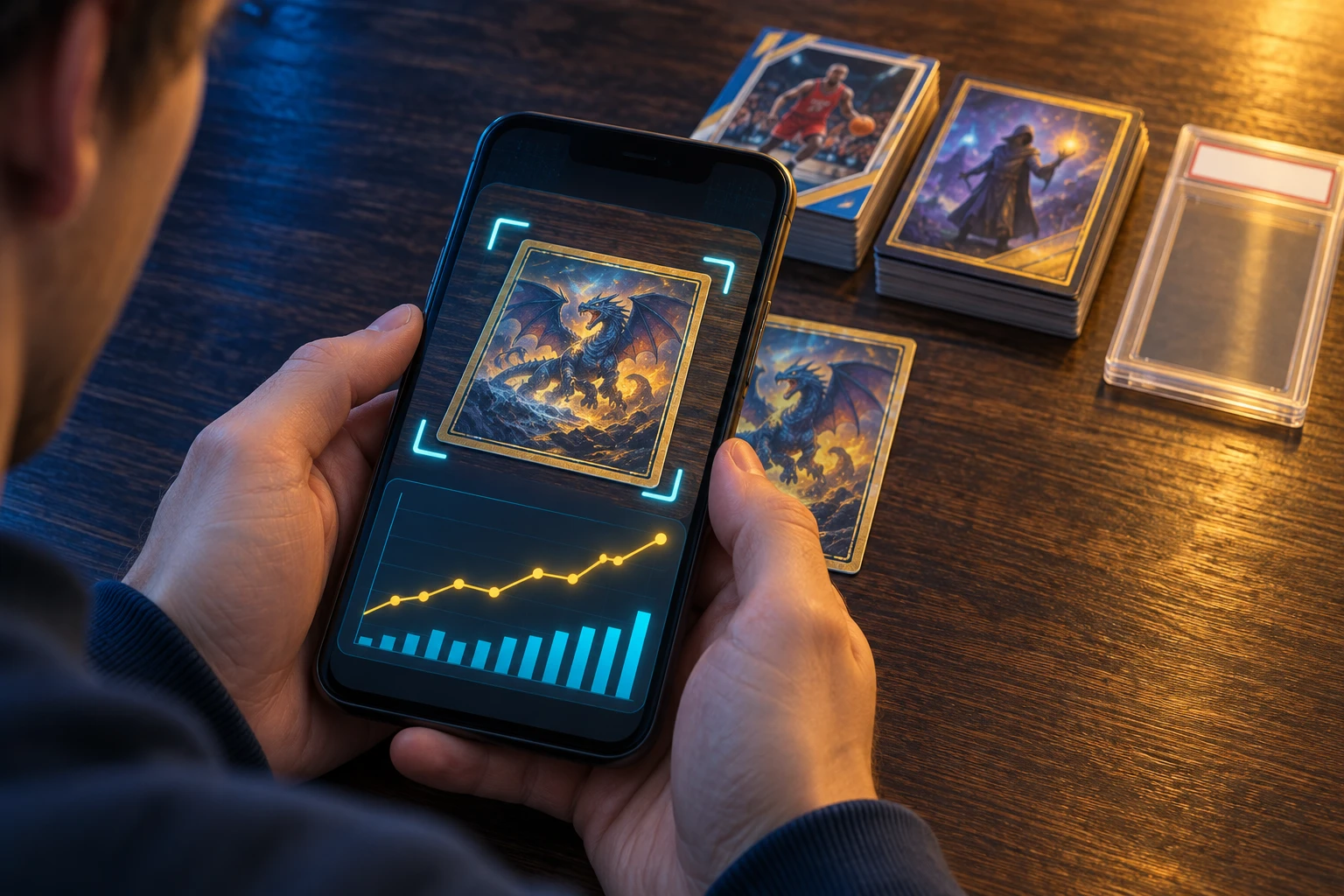
What the raw value actually is. PSA’s FAQ says portfolio values come from the PSA Price Estimate across your items, and that you can set manual prices to override an estimate. PSA does not publish how it estimates a raw card’s value, and a raw card’s price depends heavily on condition. Treat the number as one estimate among several, not a condition assessment and not a grade.
Where raw tracking earns its place:
- One inventory. Slabs and top-loaders in the same list, sortable and filterable, with a total.
- A watchlist while you wait. Follow a card’s value during the months it would spend in a grading queue.
- A submission shortlist. Compare a card’s raw estimate with its graded values before deciding whether the spread justifies the fee.
- The cards you will never grade. A PC card still belongs in the inventory even if it never enters a slab.
Where it can mislead: the raw estimate is not condition-aware in any way PSA describes; it is a value, not a grade. Thin markets can move on one sale. And if you override a price once, the chart will quietly keep using your stale number until you change it.
Portfolio, Top Movers and the One-Tap Privacy Feature
The portfolio view lives on the app’s home screen and at the top of the Collection page on desktop. It shows your current estimated value, a chart of how that value has moved across a date range you choose, and a Top Movers section listing the cards that gained or lost the most in that window. You can sort and filter by dollar change, percentage change or estimated value.
The privacy control is small but smart: hide your numbers with one tap. If you screenshot your collection for a forum, a sale post or a group chat, you no longer have to crop the total out by hand.
Read the portfolio the way you would read any estimate: as a directional signal, not a bank balance.
| What the portfolio number includes | What it does not include |
|---|---|
| Estimated market value of every card in your Collection | Grading fees, shipping, insurance or taxes |
| Graded values by grade for cards with enough sales data | Selling fees (eBay, consignment) you would pay to realise it |
| Manual price overrides you set yourself | Liquidity — a thin market can be slow to sell at the estimate |
| Relative performance across date ranges | Any guarantee of future value. PSA states values are estimates only. |
A practical tip: create a folder for your highest-value cards and treat its chart as your “real” portfolio. A 400-card collection where one card is 60% of the value will look healthy or sick based on that one card, and the overall number hides it.
Folders and Shareable Links: The Best New Feature for Sellers
Folders are the feature that changes daily use. You can group cards however you like, and each folder tracks its own value and gain/loss. Add sorting and filtering and you can build a view for almost any purpose, then decide which folders other people can see through a shareable link.
For a seller, the killer use is a public “for sale” folder: a clean link you can post in a Discord, a forum or a text message that shows only the cards you are moving — not your whole collection, and not your purchase prices.
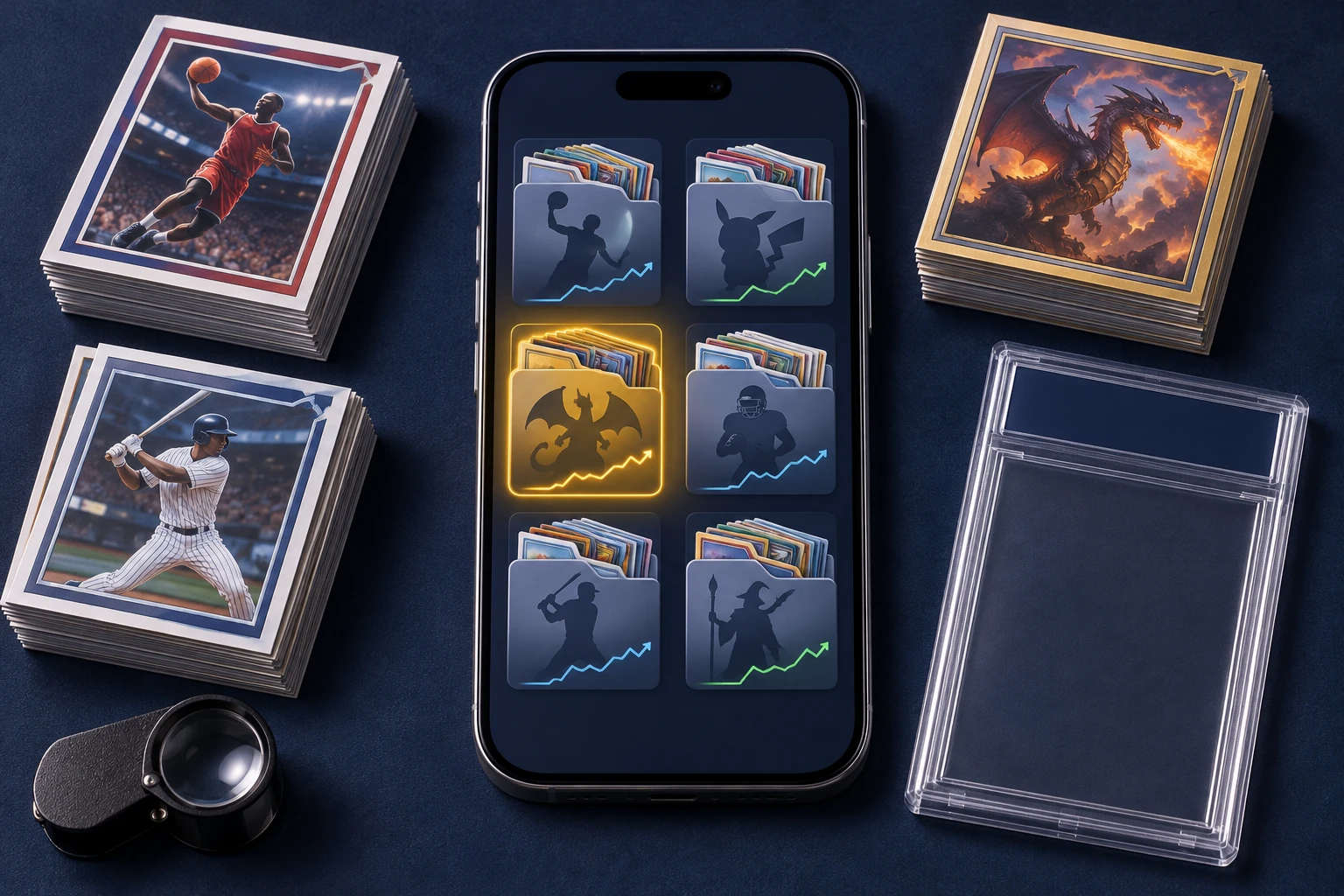
| Folder | Why create it | Suggested filter |
|---|---|---|
| Grading queue | Cards you intend to submit next | Ungraded, highest estimated grade spread |
| For sale | A public, shareable inventory of what you are moving | Graded or raw, sorted by value |
| Keepers | Personal collection you will not sell | By player, team, character or set |
| Insurance list | A tidy record of high-value slabs for a policy or schedule | Graded only, sorted by dollar value |
Sharing caution: a shared folder is public. Decide deliberately what goes in it. If a folder holds cards you bought cheaply, consider whether a buyer seeing your cost helps or hurts you. Hide your portfolio numbers before taking screenshots, and remember that a link can be forwarded.
The other practical limit is speed. Reviewers have asked for keyword search with a select-all, and for the ability to add more than 25 cards at once when building a folder. As of 8.2.0 that friction is still there, so build big folders in a few passes.
Submissions, Order Tracking and Selling From the App
The business half of the app is what it always was, and it is genuinely good: scan a card, get a recommended service level, build the submission, track it with push notifications and watch an interactive grade reveal when it completes. When a card is graded or in the Vault, you can list it on eBay through the PSA integration, and you can accept eligible zero-fee Partner Offers in-app.
PSA’s FAQ is precise about what the app can and cannot submit. It handles standard-size cards, tallboys, Dual Service (card grading plus autograph authentication) and oversized cards. Review, Crossover and Reholder submissions still require the PSA website. Set building lives in the separate PSA Set Registry app.
| Job | In the app? | Notes |
|---|---|---|
| Build a trading-card submission | Yes | Standard-size, tallboys, Dual Service and oversized cards |
| Service-level suggestion | Yes | Based on the card and its estimated value |
| Order tracking + push notifications | Yes | Follow each stage through the grade |
| Interactive grade reveal | Yes | Animates the grades when the order completes |
| List eligible cards on eBay | Yes | From the grading order or the PSA Vault |
| PSA Partner Offers | Yes | Accept eligible zero-fee offers in-app |
| Review, Crossover, Reholder | No | Use the PSA website |
| Set building / registry | No | Separate PSA Set Registry app |
The service-level suggestion is the underrated feature. Tiers are priced by declared value, so a card whose value pushes it into a higher tier can quietly cost more than you expected. The app flags that before you submit rather than after, which is exactly the kind of friction PSA gets criticised for elsewhere. For the full cost picture by tier, see our PSA submission guide.
Why the Timing of the PSA App Update Matters
Version 8 landed on September 23. On October 29, PSA reopened its Value service at $39.99 a card and cut the Standard and Priority turnaround estimates by 20 business days each. Those two facts are connected in practice: the app’s new raw-card tools are most useful at exactly the moment a cheaper submission tier returns and collectors start sorting what to send.
PSA’s active backlog was 6.8 million cards on November 3, 2026 — down 45% from the 12.4M peak on July 28, but still 1.8M above the roughly 5M level PSA tied to reopening Value Bulk. New Value orders queue behind every order already at the building. PSA’s business-day estimate is not a delivery date; independent tracking of completed 2026 orders averaged about 117 calendar days door to door. Read the full drawdown in our PSA backlog tracker.
| Tier | Status | Fee (U.S.) | Stated turnaround |
|---|---|---|---|
| Value | Open (since Oct 29) | $39.99 | 90–100 business days |
| Standard | Open | $59.99 | 70–80 business days |
| Priority | Open | $79.99 | 50–60 business days |
| Express | Open | $199 | 20–30 business days |
| Super Express | Open | $349 | 10–15 business days |
| Premier | Open | $599 | 7–10 business days |
| Value Bulk / Value Plus / Value Max | Paused | — | No date |
The practical takeaway: grading got cheaper at the entry level, and speed still costs a lot. The app’s portfolio and movers tools help you see whether a card’s grade spread is even worth the $39.99 and the wait — but the fee ladder is the reason a $10 card rarely justifies a submission.
What the PSA App Still Cannot Do
The app is excellent at telling you what a card is worth in each grade. It does not tell you which grade your card is likely to get. For a raw card, that is the whole question. A PSA 10 and a PSA 8 of the same card can be worth wildly different amounts, and a raw price estimate is not a grade.
| What the PSA app does well | What it cannot do |
|---|---|
| Identify sports and TCG cards by scan or text search | Predict the grade a raw card will receive |
| Population counts and sales history by grade | Read condition beyond a general value estimate |
| Estimated value for raw and graded cards | Authenticate autographs or detect trimming, recolouring or rebacking |
| Build and track a submission end to end | Submit Review, Crossover or Reholder jobs in-app |
| Track collections across PSA, SGC, BGS, BVC, CSG and CGC slabs | Replace a grader’s judgement or an insurance appraisal |
Other honest limits worth knowing before you rely on it:
- Estimates only. PSA states plainly that values are estimates and that nothing in the Collection experience is investment advice.
- Scanner coverage. PSA says the tool is optimised for cards it has already graded. Brand-new or obscure releases may not be recognised until the database catches up.
- Thin data. Grades with insufficient sales history may show no value at all.
- English-only UI. The US App Store listing shows English as the only language, even though PSA now grades in the U.S., Canada, Europe and Japan.
- Set building is elsewhere. Checklists and registry live in the separate PSA Set Registry app.
- No condition score. Nothing in the app competes with a pre-grade that scores centering, corners, edges and surface.
That is not a knock on the app. It is the boundary between “what is this worth if it grades X” and “what will it grade.” The first is market data, and PSA owns it. The second is a condition read, and it is where a pre-grade fits.
The Pre-Submission Workflow: PSA App Plus a Condition Read
Used together, a collection tracker and a pre-grade cover the full decision. Here is the seven-step loop we recommend before any paid submission.
- Scan and confirm the card. Identify it in the PSA app, then check the year, set, parallel and card number. Getting the parallel wrong is the most common way a value estimate goes bad.
- Add the raw card to Collection. Now you can see the raw estimate and the graded values side by side.
- Check the population. High population usually means a crowded top grade and a smaller premium. Low population means the opposite, with thinner sales data to trust.
- Read the condition. Run a free AI pre-grade that scores centering, corners, edges and surface and lists the defects it sees. This is the step the PSA app does not do.
- Do the expected-value math. Use the likely grade, not the dream grade. Weight each outcome by its rough probability, then subtract the fee, shipping and insurance.
- Submit only the winners. A card whose expected net comfortably clears the fee goes in the box. Everything else stays raw or sells raw.
- Track, reveal, decide. Follow the order in the app, then hold, vault or list the graded cards when the reveal lands.
Here is what that math looks like on an illustrative modern card — raw $85, a PSA 9 at $150 and a PSA 10 at $420, with a $39.99 Value fee plus about $15 of shipping and insurance.
| Outcome | Market value | Net after fees | vs selling raw ($85) |
|---|---|---|---|
| Sell it raw | $85 | $85 | — |
| Grades an 8 (30%) | $100 | $45 | −$40 |
| Grades a 9 (50%) | $150 | $95 | +$10 |
| Grades a 10 (20%) | $420 | $365 | +$280 |
| Probability-weighted | $189 | $134 | +$49 |
Two things make that example work: the graded spread has to be real, and the likely grade has to be high enough. If the same card is a coin-flip for a 9 and a likely 8, the expected value flips negative and the fee is wasted. That is the entire reason to pre-grade before you pay — not to guarantee a grade, but to stop submitting cards that never had a chance. Run your own numbers in the AI pre-grade calculator or the submission planner.
Version 8 Bugs, Complaints and How to Fix Them
A rebuild this large was never going to launch clean, and the store data shows it. Review summaries across both stores show the same pattern: praise for the collection tools, complaints about crashes, network errors and the update itself immediately after launch, and developer responses pointing people to 8.1.0. The good news is that 8.2.0 is five weeks removed from the relaunch and the release notes never changed — the fixes were folded into the same version line.
Specific issues reported by reviewers, and their status:
| Reported issue | Detail | Workaround |
|---|---|---|
| Crashes and network errors after the update | The most common theme in reviews right after September 23 | Update to 8.2.0, force-quit, reinstall if needed |
| Bulk Vault listing removed | A reviewer reported the in-app bulk eBay listing button disappeared in the update | List in smaller batches, or use the web tools |
| iPad back button jumps to the top | Navigating back in a large collection resets scroll position | Use folders and filters to shorten the list |
| Folder building is slow | No keyword search with select-all; a reported 25-card add limit | Build in passes; use filters to narrow first |
One caution when reading reviews: many one-star comments are about PSA’s grading service — turnaround times, upcharges and premium pricing — not the app. Separate the two. A slow order is not an app bug, and the app cannot fix the queue.
If the app will not load at all, the Collection also exists on psacard.com on desktop, so you are never locked out of your inventory. And if you are still on an early 8.0.x build, updating is the first and usually the only fix.
PSA App vs Collectr, Card Atlas and PreGradeCards
The PSA app does not have to be the only tool you use, and it should not be. Pick by the job you are doing rather than by brand loyalty.
| If your job is… | Reach for… | Why |
|---|---|---|
| Research a slab, check population, submit to PSA | PSA app | Native access to PSA data and the submission flow |
| Track a mixed collection across graders | A dedicated tracker (Collectr, Card Atlas and similar) | Built around cross-grader inventory, not one company's slabs |
| Build sets and chase completion | PSA Set Registry app | 150,000+ curated sets and leaderboards |
| Estimate the grade before you pay a fee | PreGradeCards | AI reads centering, corners, edges and surface and flags defects |
| Sell a graded card quickly | PSA app (Vault / eBay / Partner Offers) | Listing flow is built into the grading order |
The overlap worth understanding is between a tracker and a pre-grade. The PSA app tells you what a card is worth if it grades X, Y or Z, and it does that better than anyone because the numbers come from PSA’s own database. A pre-grade tells you which of X, Y or Z is realistic for your copy. One is the prize; the other is the odds. You need both to decide.
If you mostly buy and sell raw cards and never grade, the app is less useful than a pure tracker. If you mostly submit to PSA, it is the obvious home base. If you collect across PSA, CGC, BGS and SGC, you will probably keep a dedicated tracker as well — PSA’s app lets you store other graders’ slabs, but everything about it points at PSA.
Verdict: Should You Install the New PSA App?
Yes, if you own PSA slabs, you plan a submission in the next six months, or you have a mixed raw-and-graded collection you want in one place. The population data, graded values, submission flow and now the collection tools make it the best free front end to PSA’s data, and Version 8 finally made it useful before a card is graded, not only after.
Skip or pair it, if you need a grade prediction (use a pre-grade), you collect across several graders and want them treated equally (use a dedicated tracker), or you need a non-English interface (the US listing shows English only).
The bottom line: the PSA app update is a real upgrade, not a coat of paint. It moved the app from “slab lookup” to “collection manager,” and the timing — three weeks before Value reopened at $39.99 — could not be better for anyone deciding what to send. It just does not answer the grade question, and no market-data app ever will, because the grade comes from a grader looking at the card in hand. Price the outcome in the PSA app, estimate the condition with a pre-grade, then do the math before you pay.
Frequently Asked Questions
What changed in the PSA app update?
When did the new PSA app come out?
Is the PSA app free?
Does the PSA app grade my cards?
Can I track raw cards in the PSA app?
Can I add BGS, CGC or SGC slabs to the PSA app?
Does the PSA app show values for raw cards?
Can I submit cards to PSA through the app?
Does the new PSA app work for Pokémon, One Piece and Magic cards?
Why will the PSA app not recognise my card?
Is the PSA app available in languages other than English?
What is the difference between the PSA app and the PSA Set Registry app?
Is the portfolio value accurate?
What should I do if the app crashes or will not load after the update?
Sources & Further Reading
- PSA — Meet the New PSA Collection Experience (September 23, 2026)
- PSA — Apps (PSA App and Set Registry)
- PSA — Frequently Asked Questions (Collection, submissions, scanner limits)
- PSA — Backlog Tracker (November 3, 2026 update)
- PSA — Pricing and Estimated Turnaround Time Updates (October 28, 2026)
- PSA — Reopens Value Service Level (October 28, 2026)
- PSA: Card Tracking & Grading — App Store listing
- PSA: Card Tracking & Grading — Google Play listing
- AppInsider — PSA app update history, ratings and download estimates
- Heavy — PSA App Adds Raw Card Tracking, Portfolio Tools
- Cards AI — PSA App Review: What It Does Well and What It Misses
- Card Atlas — PSA’s App Now Tracks Raw Cards Too
- GradingTimes — PSA Backlog (November 2026)
Marcus Chen has evaluated over 50,000 sports cards and TCG cards across PSA, BGS, SGC, and CGC standards. Before joining PreGradeCards, he worked as a submission specialist for a major grading company and trained collectors and dealers on condition assessment.
Create a free account and get 2 free credits. No credit card required.
Get Your Free Credits →